New Zapier Actions To Connect Your Network!
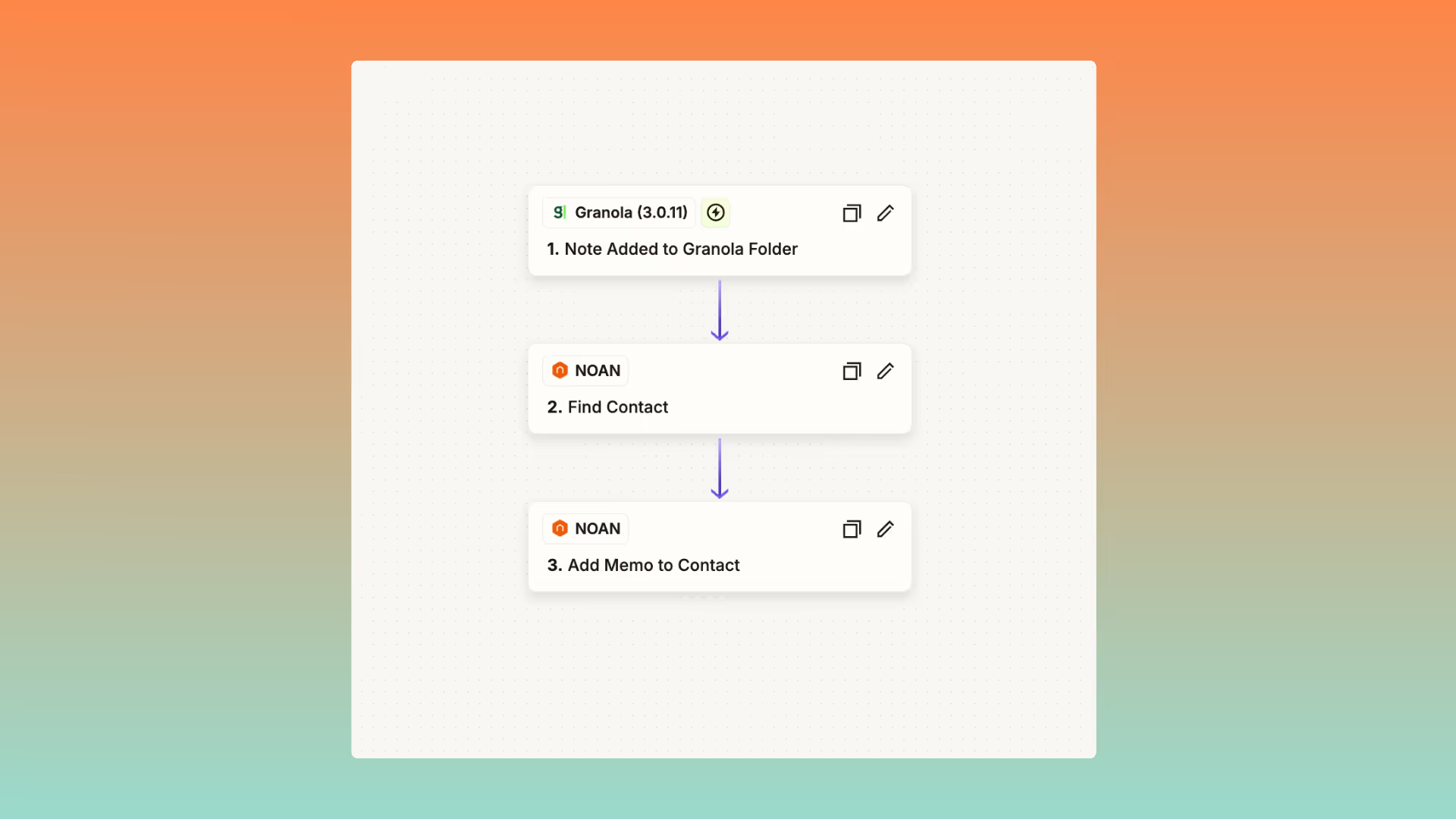
We've just released a set of powerful new Zapier actions to supercharge your workflows:
- Find Contact: Search for a contact by name, email, or alias—with the option to create a new contact if none is found.
- Update Contact: Update contact details and memos in one step. ⚠️ Note: Updating memos with this action will overwrite any existing memos. If you want to add memos without removing the old ones, use the new action below.
- Add Memo to Contact: Add a memo to a contact without clearing existing memos.
Tips for Setup:
- Both "Update Contact" and "Add Memo to Contact" require the Contact ID.
- To easily get the Contact ID, use the "Find Contact" action as a step in your Zap.
Real-World Use Case
Imagine you use Granola as your note taker. Now, whenever you add a call note to a specific folder in Granola (e.g., "NOAN"), a Zap can automatically search for the related contact in NOAN. If the contact doesn't exist, it creates one and adds the details from your note. If the contact is already there, it simply attaches the call transcript as a memo. This means every call you have can be instantly documented and linked to the right contact, making transcripts and context available for your whole team to reference at any time.